Legal documents for the emergency you did not plan for.
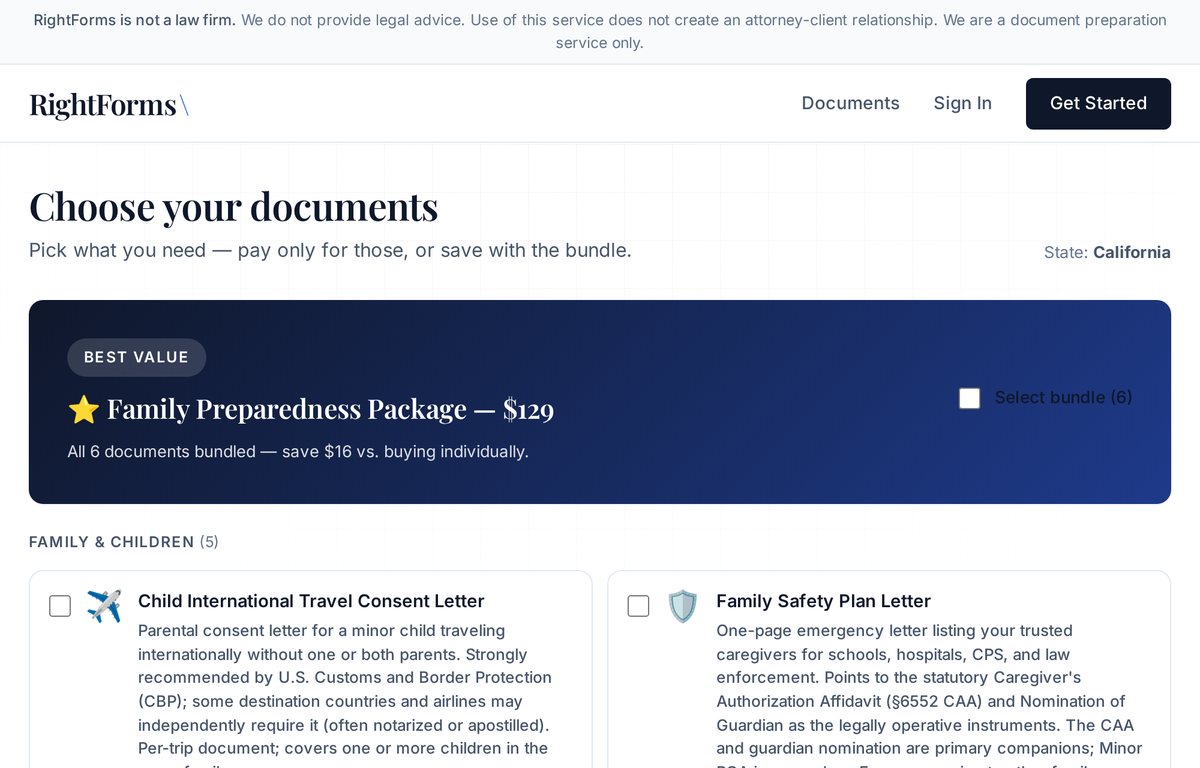
RightForms is our own product. A parent picks the documents a family needs for an emergency (who can pick a child up from school, who can make a medical decision, who becomes a temporary guardian), fills in the details and downloads PDFs ready to sign. We designed it, built it and host it.
RightForms is a document preparer, not a law firm, and does not give legal advice.
- Project
- Our own product
- Our work
- Product design, development, hosting
- Timeline
- Since April 2026, ongoing
- Stack
- Django, PostgreSQL, Celery, PyMuPDF
- Status
- Deployed at rightforms.io
What a family gets
From choosing documents to signing them, in four steps.
-
Pick the documents
Nine document types, from a caregiver's authorization affidavit to a medical consent and a power of attorney, or a six-document family package.
-
Enter the details
Enter details about the parent, the caregiver and the children in a personal account. A selection made before signing in carries over.
-
Download the PDFs
Each document is generated with the full statute text it relies on and a signature block for every person who signs.
-
Sign as instructed
Each PDF says how it has to be signed, including whether it needs a notary. Some do, some do not.
What comes out
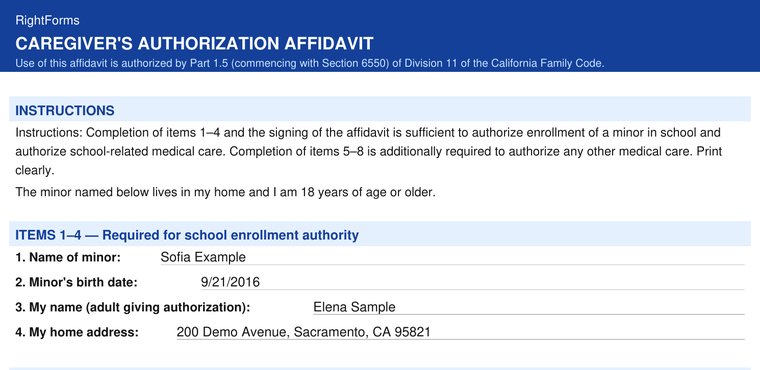
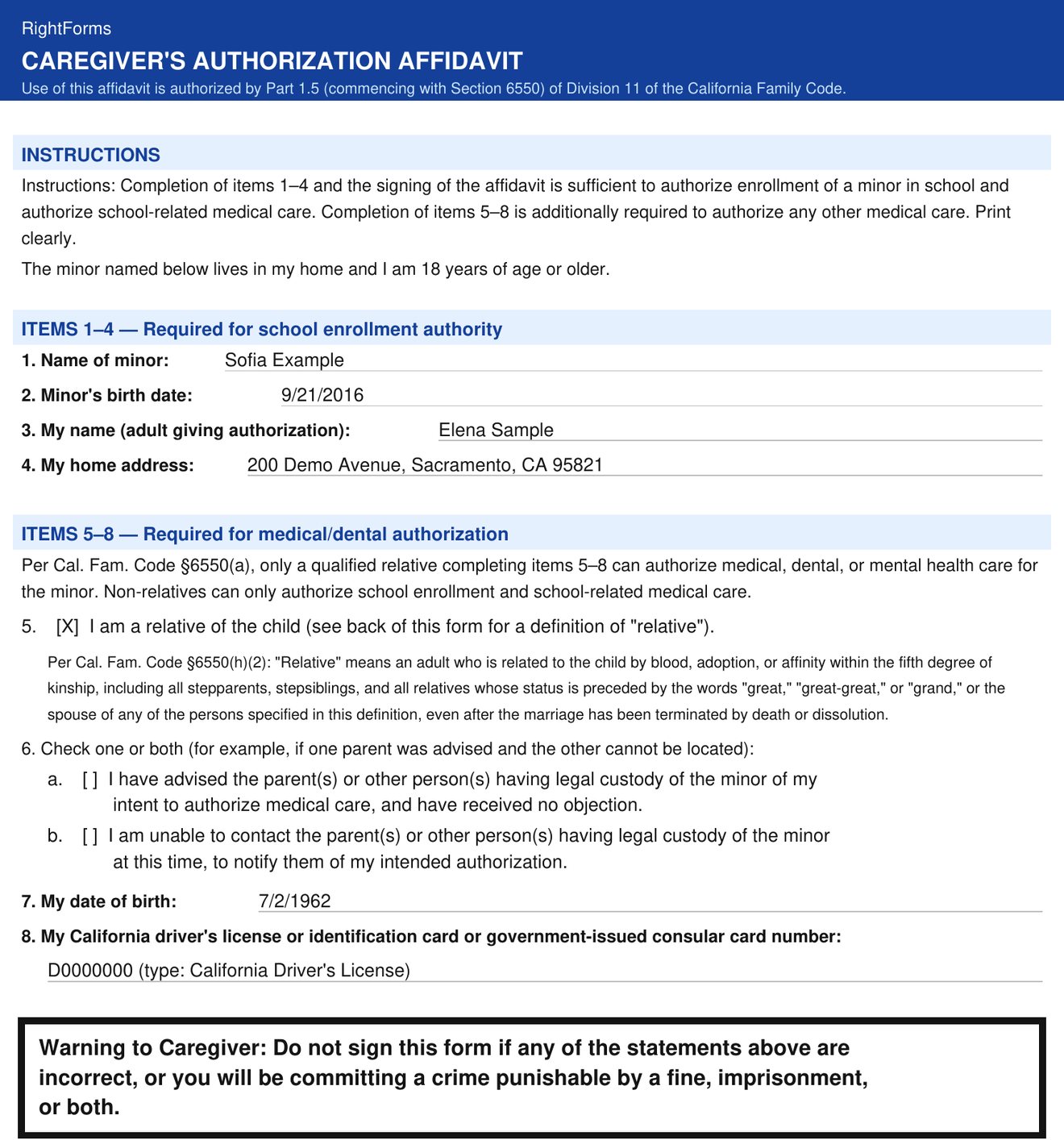
A Caregiver's Authorization Affidavit generated by RightForms, filled in with a fictional family.
- Items and warnings follow the form set out in California Family Code §6552.
- The relative question is answered on purpose. Leave it blank and the document is not generated at all.
- The notices for schools and health care providers are printed on the back, word for word.
- The signing instruction is marked as not part of the affidavit, so it cannot be mistaken for the sworn text.
How it stays correct
Legal documents leave no room for a guess. Four rules built into the code.
Sworn answers are never assumed
If a statement printed under penalty of perjury depends on an answer the person did not give, the document is not generated. These fields have no default value in the code, and the background job does not retry the error, because a retry cannot supply the missing answer.
Legal text is re-checked on a schedule
The statute text in the documents is stored word for word as California publishes it. An automated test fails once the last comparison with the current law is more than 120 days old, which forces a fresh check.
All documents or none
Every document in an order is written in one transaction: all of them or none. Before a retry, the system removes whatever a failed attempt left behind.
One engine, two products
A second system we built requests documents from the same engine through an internal API, without touching accounts or orders, and shows its field labels in Spanish and Russian. The public RightForms site stays in English.
Does your team fill in the same details on several forms?
That is the problem RightForms solves for families. Describe your forms and documents, and we will reply with how we would automate them.
Tell us what's slowing you down.
You get a free written review by email within two business days.